Last updated: October 29, 2026
Call of Duty: Modern Warfare 4 ships with default settings designed to look good in trailers, not to help you win gunfights. A few minutes in the menus can give you a smoother frame rate, clearer targets and more consistent aim.
Below are the settings worth changing first, grouped by platform, with a short explanation of why each one helps so you can adjust for your own setup.
Quick-start: the 5 changes that matter most
If you only have two minutes, change these:
- Motion blur: Off (both world and weapon).
- Depth of field: Off.
- Field of view: 105–110.
- Frame rate: as high as your display supports (120 Hz mode on console if your TV allows it).
- Controller deadzone: as low as possible without stick drift (usually 3–5).
Everything else below is fine-tuning.
Best PC graphics settings
Display
| Setting | Recommended | Why |
|---|---|---|
| Display mode | Fullscreen Exclusive | Lowest input latency on most systems |
| Refresh rate | Your monitor's maximum | Smoother motion, faster reaction |
| V-Sync | Off | Removes the input delay V-Sync adds |
| Custom frame rate limit | Match or slightly exceed your refresh rate | Keeps frame times stable |
| NVIDIA Reflex | On + Boost | Lowers system latency on NVIDIA GPUs |
Upscaling
- DLSS (NVIDIA): Quality on mid-range and high-end cards, Performance on older GPUs.
- FSR (AMD) or XeSS (Intel): use the Quality preset as a starting point.
- Frame generation: Off for multiplayer. It raises the FPS counter, but it adds input lag, which is the opposite of what you want in a shooter. It is fine for the campaign.
Quality settings
For competitive play, the goal is a stable frame rate and a clean image:
- Texture resolution: Normal or High, depending on your VRAM (8 GB cards should stay on Normal).
- Shadow quality: Low or Normal. Shadows are one of the most expensive settings and add little in multiplayer.
- Ray tracing: Off for multiplayer.
- Particle quality: Low. Fewer effects means less visual noise after explosions.
- Film grain and chromatic aberration: Off. Both blur fine detail.
Campaign-only preset
If you are playing the story and want it to look its best, flip it around: ray tracing on, textures and shadows on High, and DLSS Quality with frame generation on if your GPU supports it. A locked 60 FPS is perfectly comfortable for single-player.
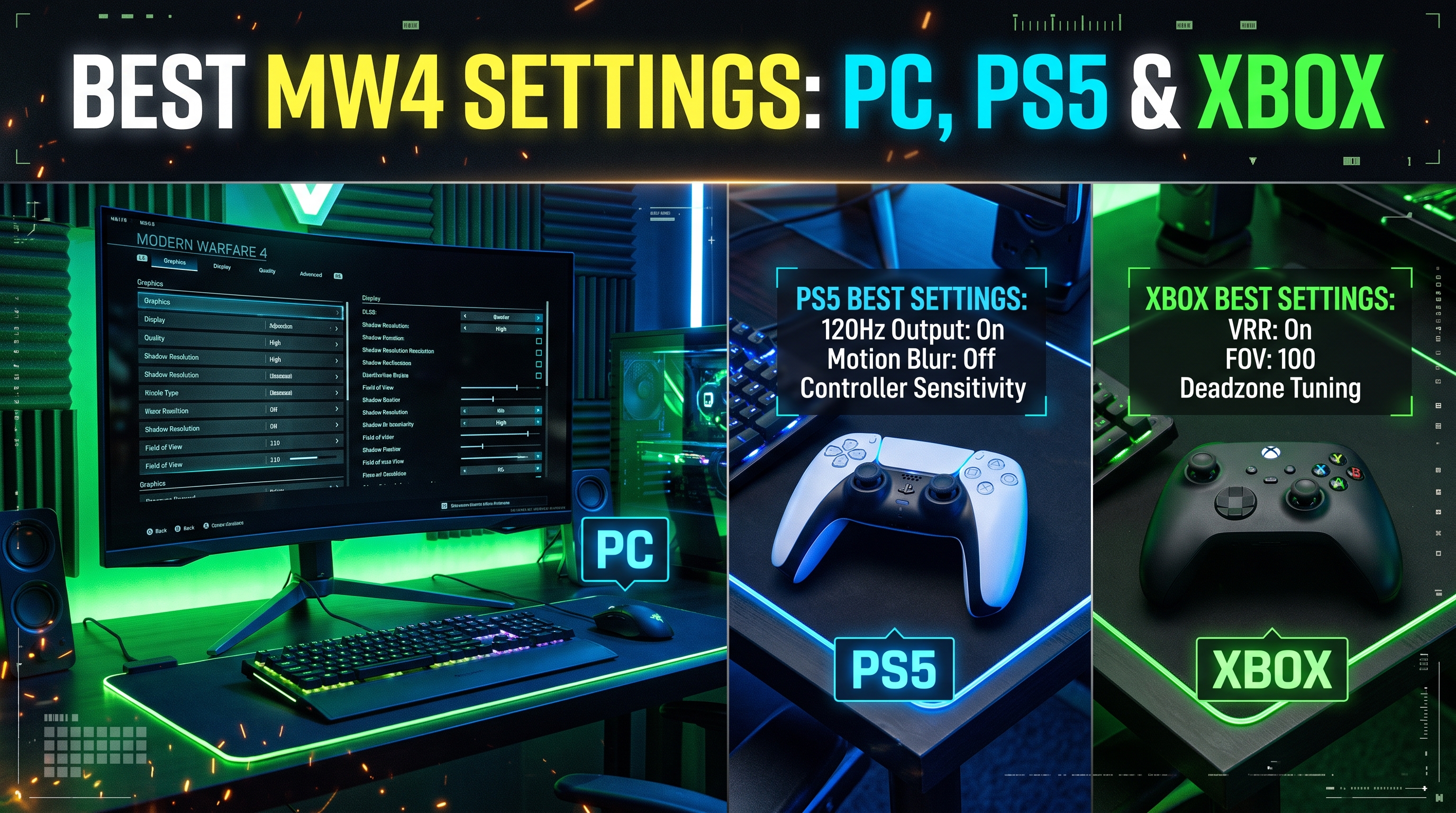
Best PS5 and Xbox Series X|S settings
Console players have fewer options, but the ones available matter:
- Enable 120 Hz output in your console's system settings if your TV supports it, then select the higher frame-rate mode in-game.
- Turn on your TV's Game Mode. This alone can cut tens of milliseconds of input lag.
- Motion blur and depth of field: Off.
- Field of view: 100–110. Higher FOV shows more of the battlefield, but makes distant enemies smaller. On a TV you sit far from, 100–105 is often the sweet spot.
- Xbox Series S: stick to the performance-focused mode. Image quality is softer, but frame rate matters more.
Best controller settings
| Setting | Starting point |
|---|---|
| Horizontal / vertical sensitivity | 1.60–1.65 |
| ADS sensitivity multiplier | 0.95 |
| Aim assist | Default or Precision |
| Left stick deadzone | 3–5 |
| Right stick deadzone | 3–5 |
| Trigger deadzone | 0 |
How to find your own deadzone: lower it one step at a time while standing still. The moment your view starts drifting on its own, go back up one or two steps. Older controllers usually need a higher value.
Sensitivity tip: if you overshoot targets, lower sensitivity by 0.1 at a time. If you struggle to turn around quickly, raise it. Give each change a few matches before judging it.
Best audio settings
Hearing footsteps first wins fights:
- Audio mix: Headphones (or Headphones Bass Boost if you use a decent headset).
- Music volume: low or off in multiplayer.
- Dialogue volume: low, so callouts do not cover footsteps.
- Effects volume: high.
Common questions
Do pros use max FOV? Not always. Many settle around 105 because the highest values make distant targets too small.
Will these settings work after updates? Mostly yes. Big patches sometimes reset settings or add new options, so recheck the menus after major updates and seasons.
Is a higher resolution better than a higher frame rate? For multiplayer, frame rate wins almost every time. Higher frame rates make tracking moving targets noticeably easier.
Bottom line
Turn off motion blur and depth of field, push your frame rate as high as your hardware and display allow, set FOV around 105–110 and lower your stick deadzone. Those changes deliver most of the benefit. Then fine-tune graphics and sensitivity over a few sessions until the game feels right for you.